Build a Customer Configurator from Business Rules
Let the owner describe how customers should choose and what the price should do; organise the design, data, build and checking as one mission.
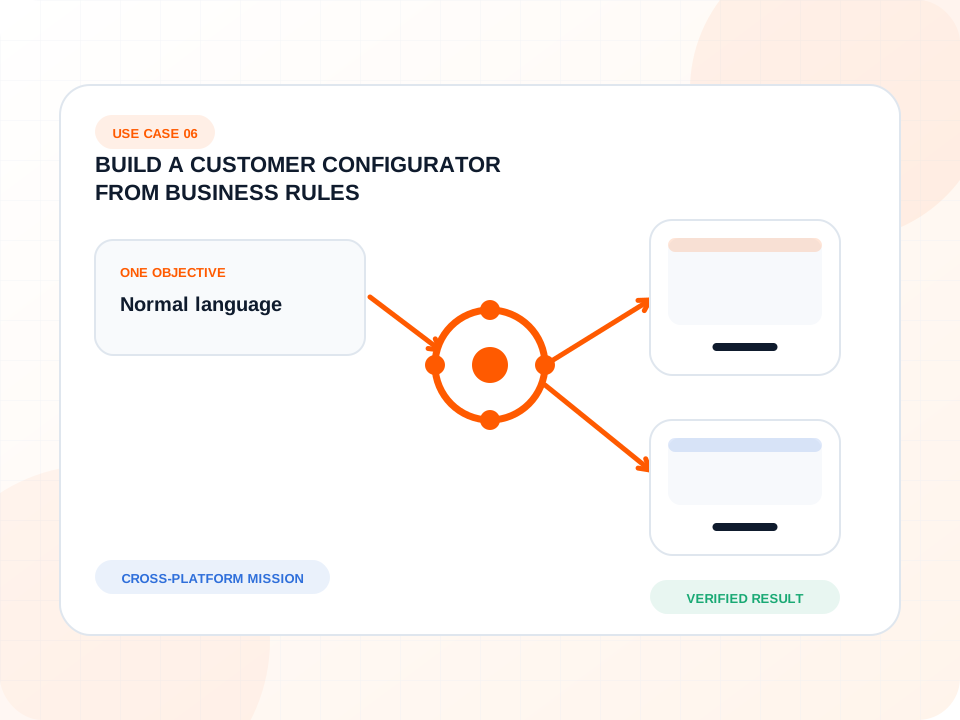
A business owner understands the product and pricing rules but does not want to translate them into a technical implementation specification.
Nexus works backwards from the customer outcome and the known project context. Files and frameworks are implementation choices, not questions the owner must answer first.
Watch the work move through Nexus.
The screen keeps the objective visible while the project, systems, AI roles, progress, decisions and verification move through one operational record.
- Every allowed choice produces the expected total.
- Invalid combinations are prevented with a clear explanation.
- Mobile and desktop flows preserve the existing design.
- The released version can be compared with the accepted build.
How Nexus carries the objective from request to result.
The work stays attached to one outcome even when several systems and specialist AI roles contribute.
- Understand the customer journey, choices and existing pricing rules.
- Identify the data and exceptional combinations needed by the configurator.
- Plan the feature inside the existing visual and publishing environment.
- Build the working experience with the authorised product data.
- Test normal combinations, boundaries and mobile interaction.
- Review the result independently against the objective and project conventions.
- Present the finished feature and unresolved business choices for approval.
Nexus removes routine operation, not responsibility.
The owner decides business rules, visual preferences and unusual combinations. Nexus carries the technical translation and repeated checking.
Publication approval
The configurator is complete, tested and ready for customer-facing publication. One release approval remains.
The finished work remains inspectable.
The mission closes with source-linked evidence, a clear authority record and verification against the original objective.
Verified
Every allowed choice produces the expected total.
Verified
Invalid combinations are prevented with a clear explanation.
Verified
Mobile and desktop flows preserve the existing design.
Verified
The released version can be compared with the accepted build.
The result remains the centre of the mission.
The conversation starts with “how should the business behave?” rather than “which files and framework should we use?”
One command bridge can coordinate more work.
Quote builders, booking flows, eligibility tools, selectors, onboarding forms and internal calculators can use the same mission pattern.
Open another complete Nexus workflow.
Every case uses its own project, systems, messages, decisions, metrics and result while preserving the same mission language.
Turn Research into the Next Mission
Study a market question, preserve the evidence inside the project, and let the chosen opportunity continue directly into controlled work.
OPEN MISSION WORKFLOW
Clean a Large Dataset Without Guessing
Use machine scale for obvious corrections and preserve human judgement where identity or business meaning remains uncertain.
OPEN MISSION WORKFLOW
Ask the Project What Needs Your Attention Today
Combine active work, files, mission history and decisions into one current management view instead of reconstructing status manually.
OPEN MISSION WORKFLOW
What would this mission look like inside your company?
Describe the project, outcome and decisions you want to retain. Nexus organises the operational work around them.